
Stream & Play: Netflix APK for Android
Overview
Netflix APK delivers a comprehensive entertainment experience, combining video streaming with an innovative gaming feature. Designed for mobile and desktop users, it enables access to a vast library of content, including Netflix originals, Hollywood movies, documentaries, sports, and family dramas. The platform supports cross-platform synchronization, allowing users to seamlessly switch between devices while maintaining viewing progress. Content discovery is enhanced through personalized recommendations based on viewing history and preferences. The app also offers subtitles in multiple languages, supporting diverse audiences across Asia, Europe, and beyond.
Netflix APK is intended for individuals seeking a unified platform for entertainment, including casual viewers, families, and fans of interactive storytelling. While the gaming feature is currently limited to Android and iOS, a beta test has expanded access to Mac and PC users in select regions. The application supports streaming on multiple devices, with household-based access controls ensuring shared usage remains secure and manageable. It is particularly useful for users who value continuous content availability, language accessibility, and a clutter-free interface.
The developer did not provide additional system requirements. Performance observations are based on general software behavior patterns. Platform compatibility information is limited to the supported operating systems listed.
Key Features & Capabilities
- High-Resolution Video Streaming – Supports high-quality playback for movies, TV shows, and sports, delivering crisp visuals and immersive audio on compatible devices.
- Personalized Recommendations – Uses viewing history and preferences to suggest relevant content, improving user engagement and discovery efficiency.
- Subtitles in Multiple Languages – Offers subtitles for international content, enabling access to Asian and European productions without language barriers.
- Netflix Games Integration – Provides access to a growing library of games, including interactive fiction titles based on popular series like Emily in Paris and Selling Sunset.
- Cross-Platform Synchronization – Ensures seamless transitions between mobile, tablet, TV, and desktop devices, preserving watch progress and settings.
- Child Safety Controls – Games are restricted on kid profiles, requiring a PIN for access, aligning with parental safety standards.
- Device Sharing with Verification – Allows household members to share accounts, with device limits and remote deactivation options to manage access.
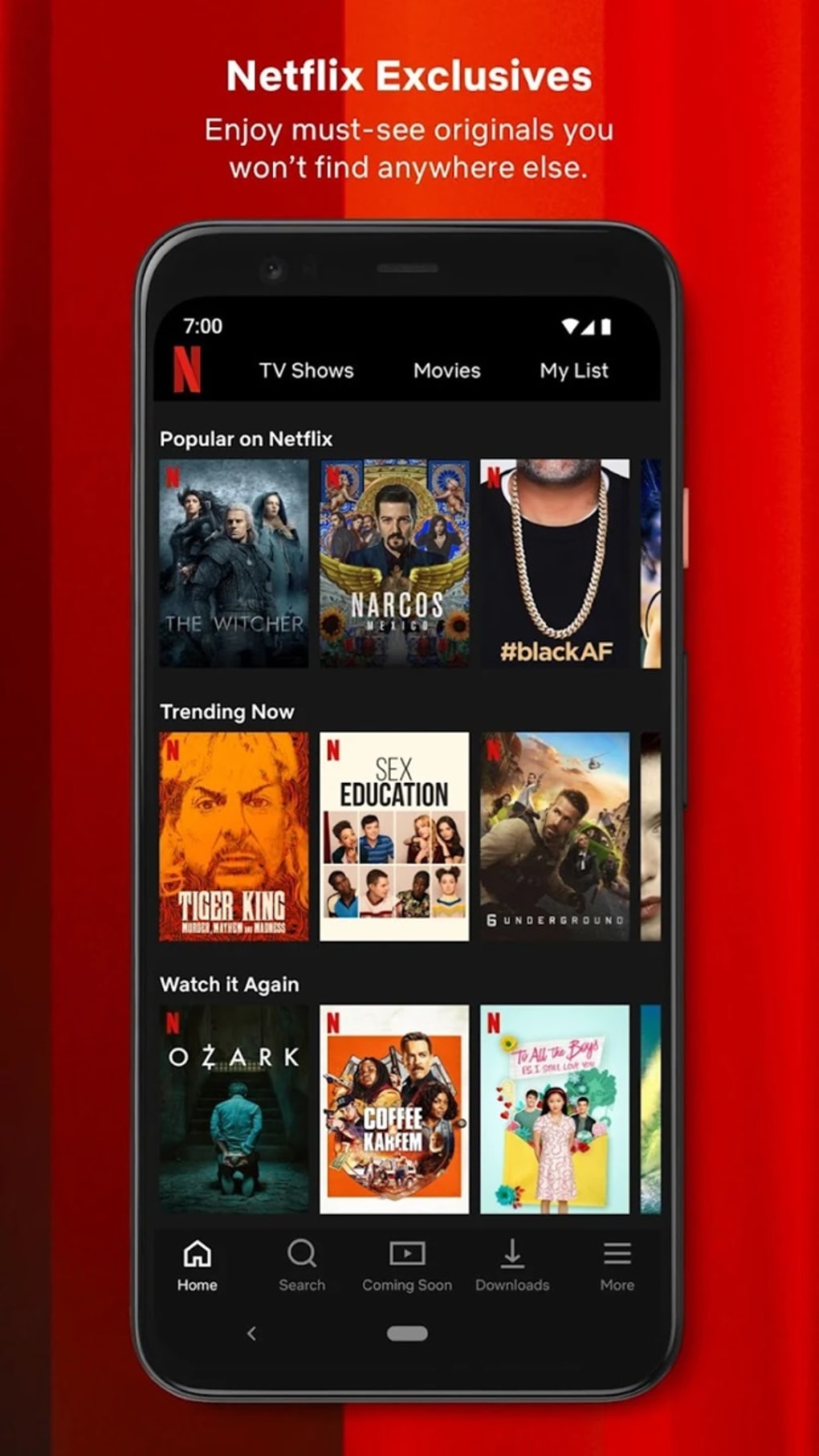
Users can explore curated carousels for Netflix originals and trending content, while the search function enables direct access to specific titles. The interface dynamically adapts to user behavior, prioritizing frequently watched genres and recently added shows. For gaming, the app automatically detects language preferences and defaults to English if unavailable. The feature is especially valuable for users seeking entertainment beyond passive viewing.
User Interface, Workflow & Performance
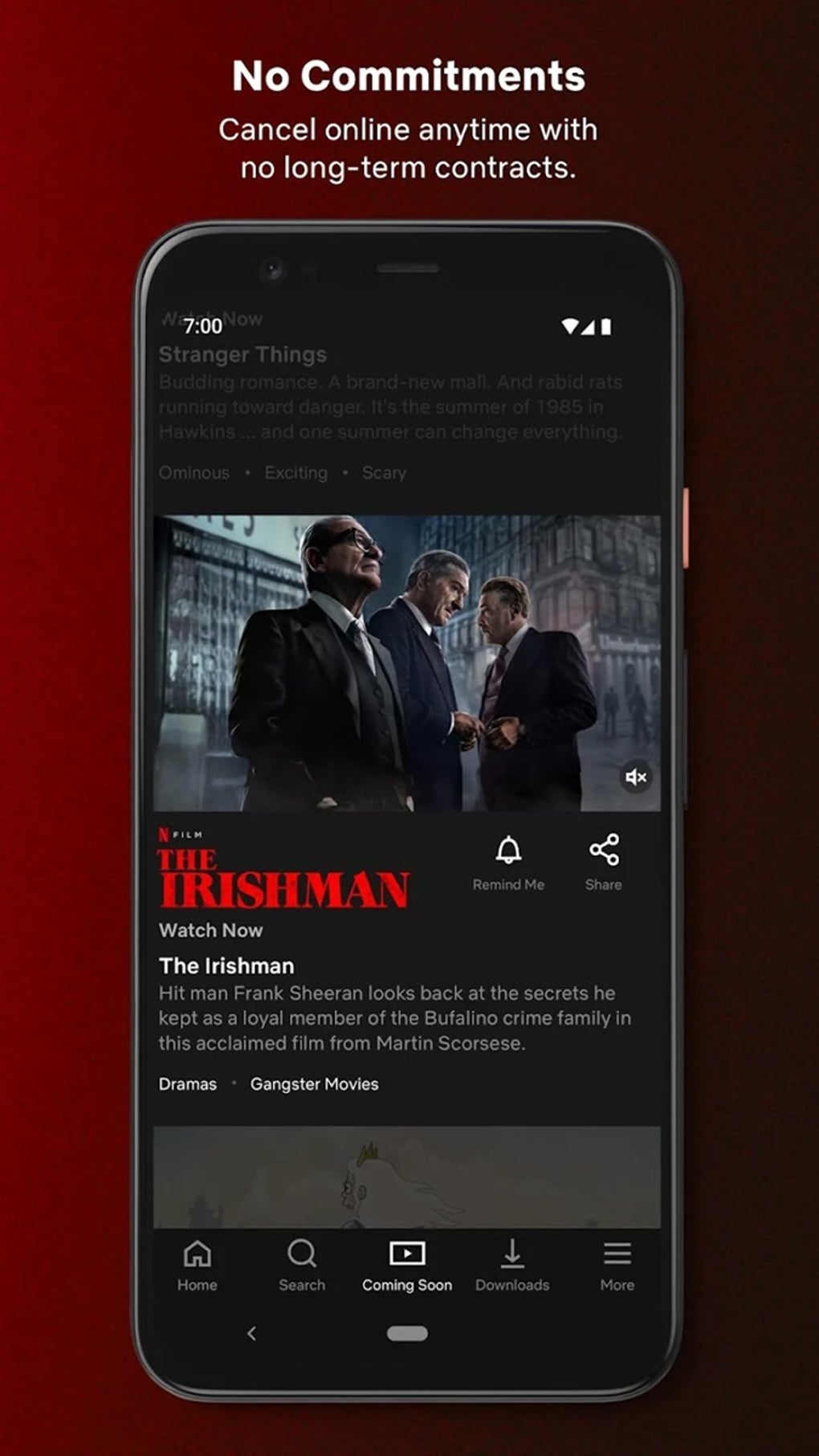
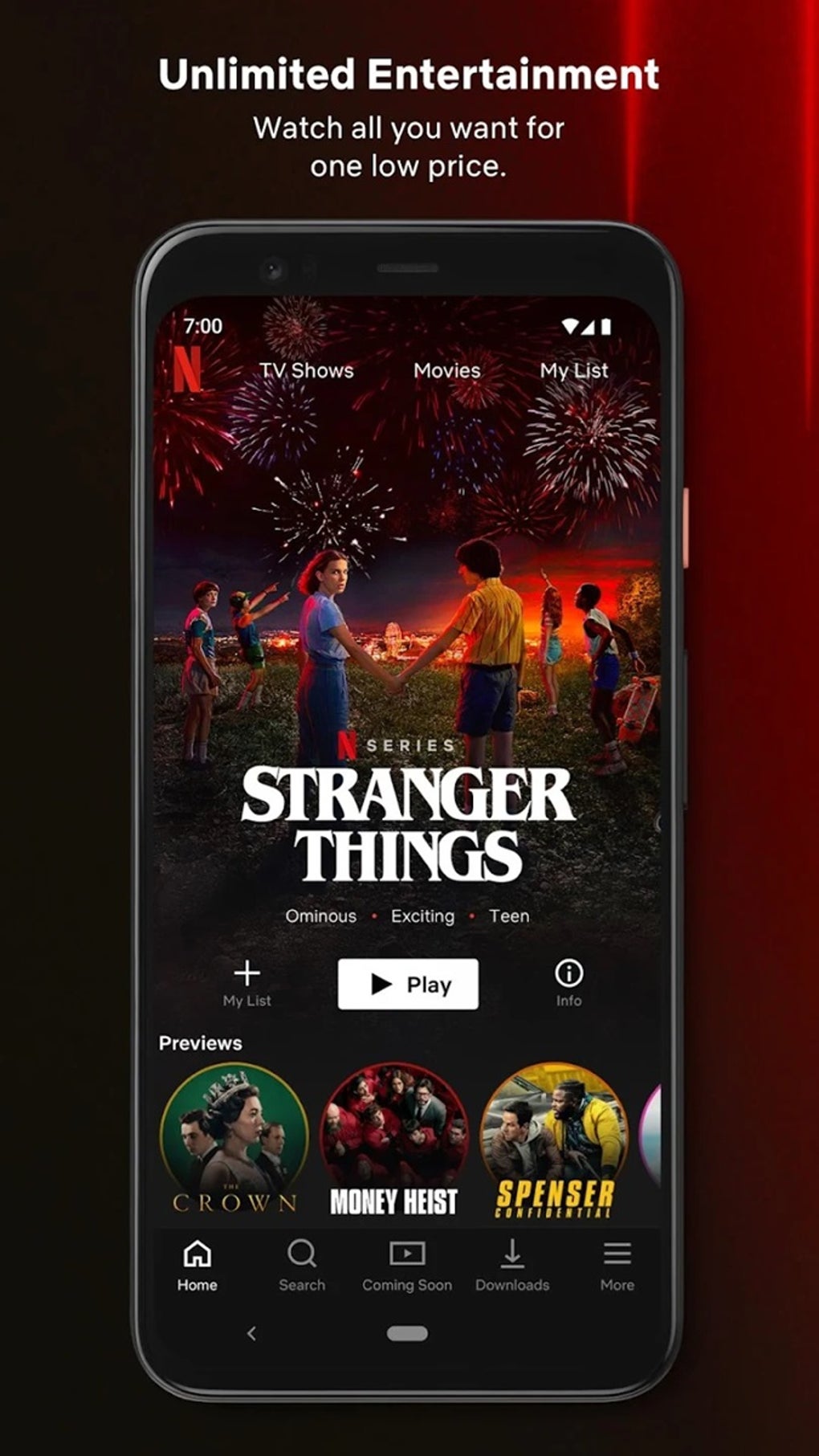
The user interface is structured around visually driven content discovery, featuring large thumbnails and categorized carousels. The layout organizes content into clear sections such as Home, Shows, Movies, and Search, with a top menu bar replacing the traditional left-hand navigation in recent updates. This design enhances accessibility and reduces navigation steps, particularly on larger screens.
Navigation is intuitive, with minimal friction between content selection, playback initiation, and profile switching. The search box enables direct entry of titles, genres, or actors, streamlining access to specific content. Personalized recommendations appear prominently, encouraging exploration of new material based on user habits.
Performance details were not specified by the developer. General software behavior suggests stable playback under consistent internet conditions. The app maintains responsiveness during transitions between menus and playback modes. The developer did not specify resource usage details. Stability is expected to be high, given Netflix’s long-standing infrastructure and widespread deployment.
Compatibility & System Requirements
Netflix APK is available for Android, iOS, Windows, and Mac operating systems. The application version is 2024.07.04, with an installation size of 50MB. The developer did not specify exact system requirements. Compatibility information was partially provided, indicating support for multiple platforms.
While the gaming feature is currently limited to Android and iOS, a beta test allows select Mac and PC users in the UK and Canada to access games via Netflix.com. Older devices, such as the 2nd and 3rd generation Apple TV, are no longer supported to ensure optimal streaming quality. Users should ensure their device meets the minimum requirements for smooth playback, though specific thresholds were not disclosed.
Pros and Cons
Pros
- Extensive library of movies, TV shows, and documentaries
- High-resolution video streaming with strong visual quality
- Personalized content recommendations improve discovery
- Supports subtitles in multiple languages
- Integrated gaming feature with no in-app purchases
- Seamless cross-platform synchronization
- Child safety controls for gaming access
Cons
- Gaming feature not available on all platforms
- Requires consistent internet connection for uninterrupted streaming
- Device sharing may trigger verification prompts when used outside the primary household
- Older devices are no longer supported
- Exact performance and system requirements were not specified
FAQ Section
Is Netflix APK available for Windows and Mac?
Yes, Netflix is available for Windows and Mac operating systems. While the gaming feature is currently limited to Android and iOS, a beta test allows select users in the UK and Canada to play games on Mac and PC via Netflix.com.
Is Netflix APK safe to download and use?
Netflix APK is distributed through official channels and is secure for use. The application does not require third-party sources. Users should ensure they download from trusted platforms to maintain device safety.
How often does Netflix update the app?
Netflix regularly updates its application to introduce new features, improve performance, and enhance content discovery. The latest version, 2024.07.04, includes a redesigned homepage and 14 new games.
What type of license does Netflix APK use?
Netflix APK is free to download and use. The service operates on a subscription model, with access to content and games included in the subscription tier. No additional fees are required for gaming or streaming.
Can I play Netflix Games offline?
Netflix Games require an active internet connection to launch and play. Offline functionality is not currently supported. The app relies on cloud-based content delivery for game data and updates.
Final Thoughts + CTA
Netflix APK stands out as a versatile entertainment platform that goes beyond traditional streaming. Its integration of high-resolution video playback, personalized recommendations, and a growing library of interactive games offers a unique value proposition. The focus on cross-platform synchronization and child safety strengthens its appeal for families and multi-device households.
While the gaming feature is not yet available on all platforms, the beta expansion to Mac and PC signals future growth. The absence of in-app purchases and ads enhances the user experience. For those seeking a reliable, feature-rich entertainment solution with strong content variety and accessibility, Netflix APK delivers consistently.
Download Netflix APK now






.png)
